



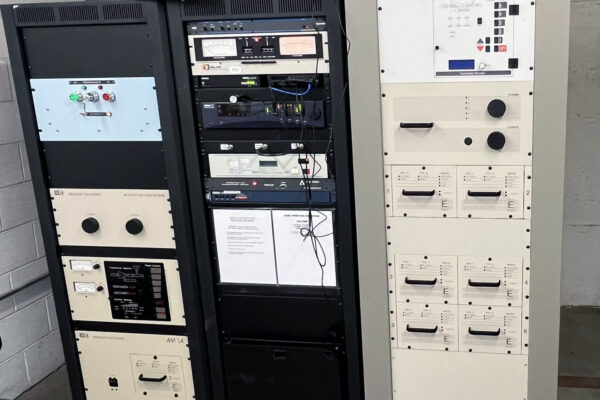
El Rey 1360 – KKMO upgrades to BE’s AM-6A transmitter in Seattle

Broadcast Electronics’ transmitters for AM, FM and HD Radio broadcasting are rated among the best performers in the broadcast industry. Super efficient, cool running and adaptable to whatever the future of radio holds, whether it’s a power boost or a new service.
Designed for long term operation and superior performance, our TV transmitters are divided into 2 product lines (GOLD and ELITE), meeting the customers’ needs in terms of operating costs reduction, ease of maintenance and spare parts management.
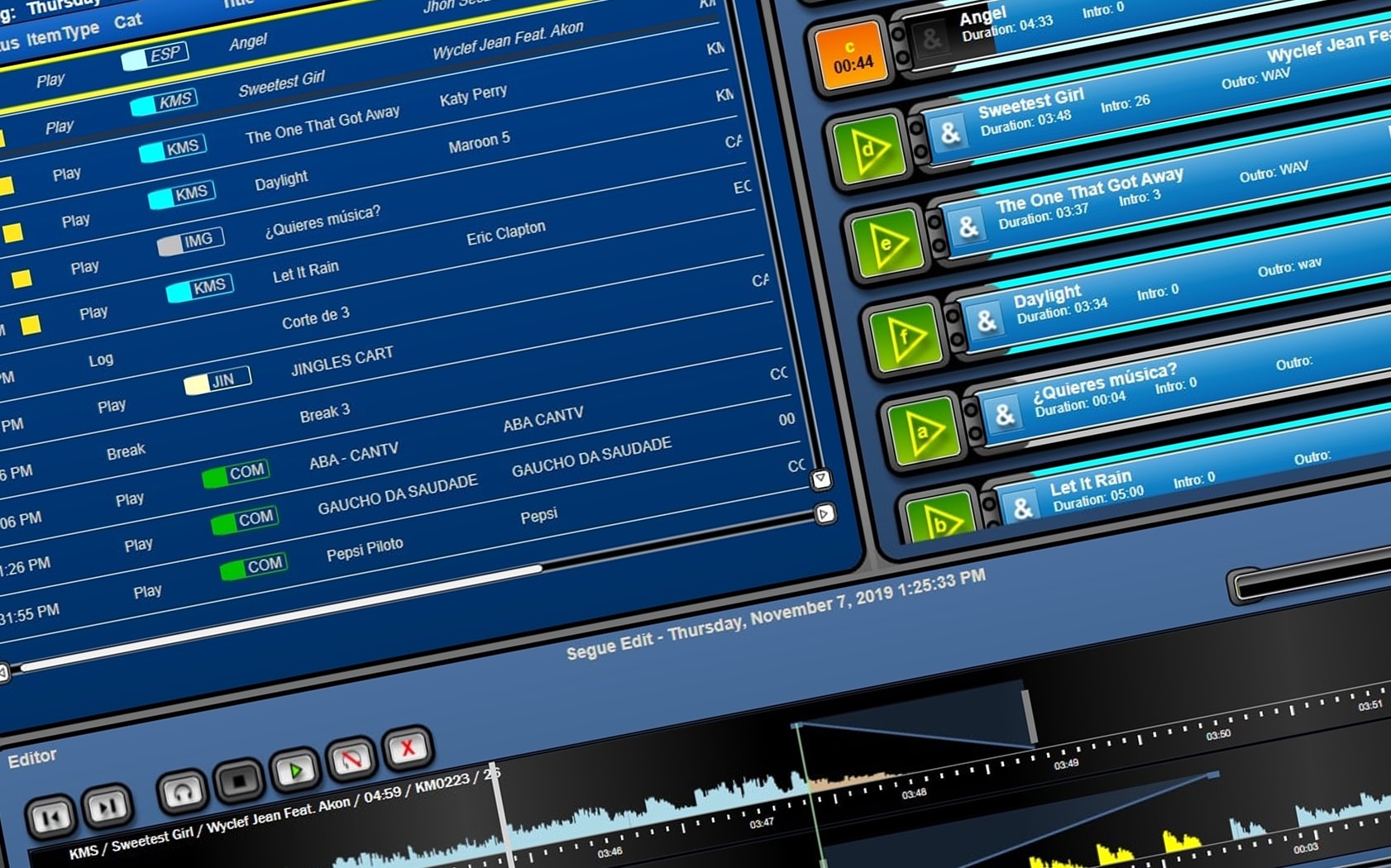
Today’s radio broadcaster wears many hats. Only Broadcast Electronics has the studio tools and the support you’ll need to manage it all, whether it’s voice tracking, ad-libbing on-air, creating a newscast, or getting in on the latest radio applications
The rollout of HD Radio, more frequent collocation of multiple stations and other factors often demand more efficient studio to transmitter link (STL) solutions with greater bandwidth and bidirectional capability. Many radio stations and networks are seeking new options.